Extruder clicking isn’t a diagnosis, it’s a symptom. It only means the filament can’t go any further and the rollers are slipping. The cause may be the nozzle, the hotend or the extruder itself — and replacing parts at random is expensive. There’s a simple test that answers the question in a few minutes.
What the clicking actually means
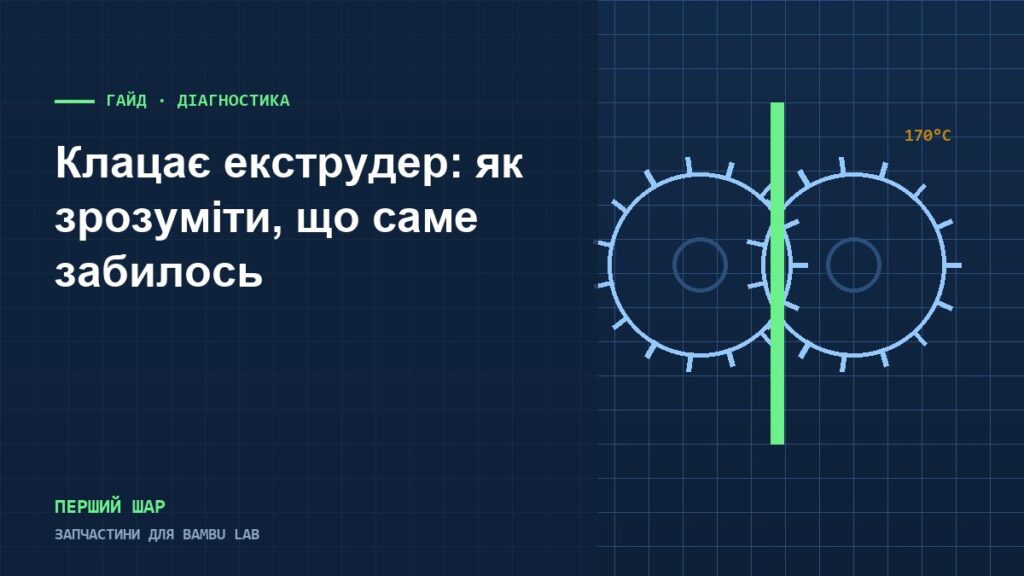
The extruder rollers push the filament with a certain force. If there’s resistance further down, the filament doesn’t move and the roller teeth grind against it — hence the typical sound and ground-down spots on the filament.
Common effects you’ll see in prints: under-extrusion, skipped layers, thin or broken lines.
Test: hotend or extruder
Bambu Lab’s official method lets you pinpoint the problem:
- Remove the hotend.
- Enable maintenance mode.
- Set the nozzle temperature to 170 °C — the lowest temperature at which the material still extrudes.
- Try feeding the filament by hand.
If the filament feeds smoothly without the hotend — it’s the hotend or nozzle that’s clogged. Go to the cold pull.
If the clicking continues without the hotend — the extruder gears are most likely clogged. This usually comes with the same sound and visibly jumping gears.
What else to check
- The filament sensor. It can be blocked by dust and fine filament shavings.
- The space between the gears. Plastic dust builds up there and reduces grip.
- Heat creep. If the filament softens higher up than it should, it expands and gets stuck in the feed path.
- Wet filament. Moisture causes crackling that sounds like clicking but with a different rhythm — along with steam above the nozzle and a rough surface on the part.
What to do, step by step
- Inspect the filament coming out of the extruder — ground-down spots mean slipping.
- Do the 170 °C test and identify the assembly.
- Clogged hotend — cold pull, and replace the nozzle if needed.
- Clogged extruder — remove it, clean out the shavings thoroughly and lubricate the gears.
- Rollers with worn teeth or a cracked housing — replace them.
What you may need: extruder parts, hotends and nozzles, printer diagram for diagnostics.
Sources
- Bambu Lab Wiki — A1 series printer extrusion abnormal troubleshooting (how to check which part is clogged)
- Bambu Lab Wiki — Troubleshooting Steps if Filament Not Extruding
- Bambu Lab Wiki — Extruder Maintenance Guide: Cleaning and Lubrication (X1/X1C)
This article has been checked against the official Bambu Lab documentation. Procedures and temperatures may differ for a specific printer model — check your model’s page on the manufacturer’s wiki.